

I led La-Z-Boy Southeast’s deployment of Microsoft Teams, OneDrive, and SharePoint Online — onboarding more than 170 users to Teams, moving Windows 10 user profiles to OneDrive cloud backup, and converting legacy network shares into synchronized SharePoint libraries.
Files Trapped on the Network
Collaboration lived on aging network shares and local profiles: invisible off-site, unprotected if a machine died, and impossible to reach from the Chromebooks, iPads, and personal devices people increasingly used. The tools to fix it were licensed and waiting — they just had to be deployed and adopted.
What I Delivered

Teams rollout
Onboarded 170+ users to Microsoft Teams — the groundwork for real-time collaboration.

OneDrive backup
Moved Windows 10 user profiles to OneDrive — cloud backup and access from any device.

SharePoint migration
Converted legacy network shares into SharePoint libraries, synced through OneDrive.
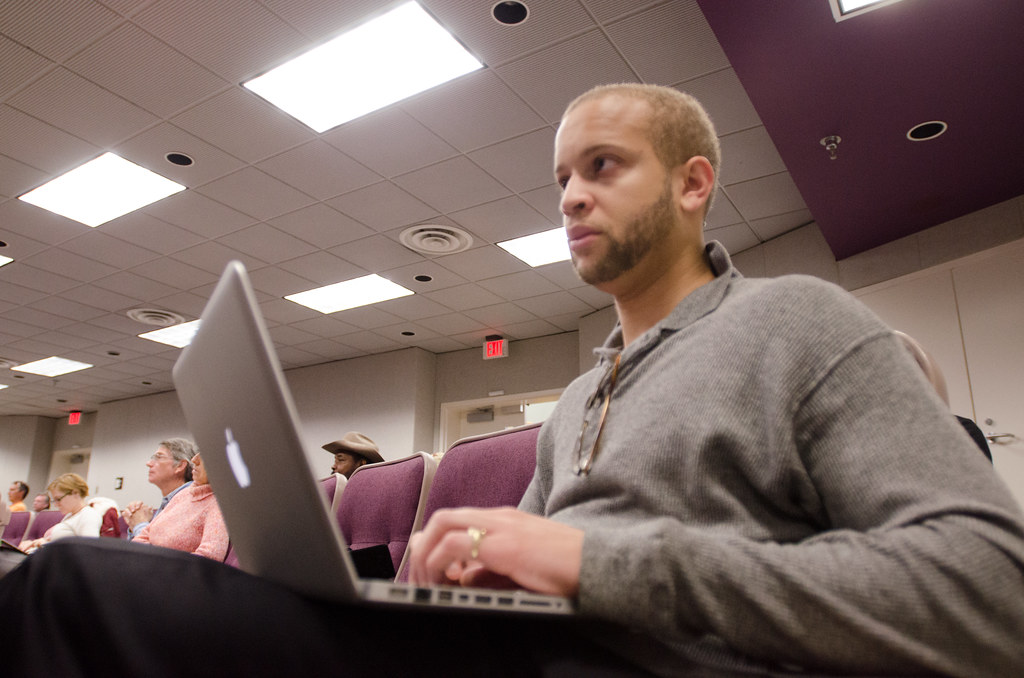
Training & adoption
Drove org-wide adoption with training that took users from comfortable to fluent.

Skills & Tools
The stack behind this build — tap any to see related work.
The Impact
170+ people collaborating in Teams, profiles backed up to the cloud, and files reachable from any device — a modern Microsoft 365 foundation replacing a fragile, location-bound setup.
Collaboration Without the Server Room
Cloud tools don’t deliver value until people use them. Sequencing the rollout — Teams, then OneDrive, then SharePoint — and training at every step is what turned a license into an actually-adopted platform.