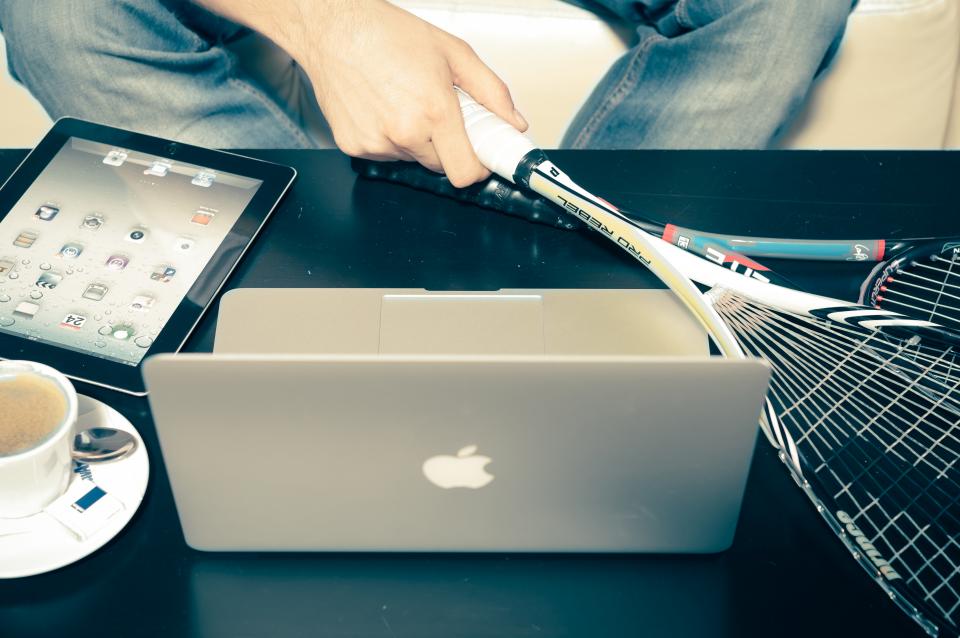

I led La-Z-Boy Southeast’s migration from Chromebooks to iPads — onboarding more than 100 users to the new devices and closing the printing gap with CUPS print servers, so the more capable hardware slotted straight into existing workflows.
More Device, Same Workflow
Chromebooks had hit their ceiling; iPads offered more — but a device swap only helps if it doesn’t break how people work. The biggest gap was printing: iPads didn’t talk to the existing printers, and 100+ users needed the change to feel like an upgrade, not a hurdle.
What I Delivered

100+ users onboarded
Migrated over a hundred users to iPads with the setup and support to make it stick.
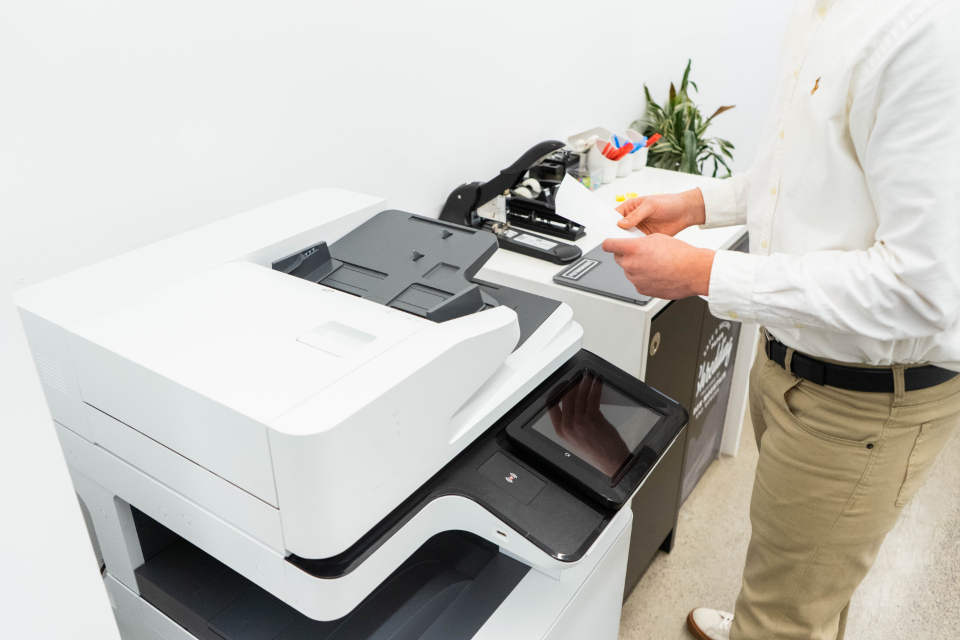
CUPS print servers
Stood up CUPS servers so the new iPads printed to existing hardware — the gap nobody else solved.

Workflow integration
Slotted the iPads into existing processes so teams gained capability without losing their footing.

Adoption & productivity
Drove adoption so more versatile devices turned into genuinely streamlined workflows.

Skills & Tools
The stack behind this build — tap any to see related work.
The Impact
100+ users on more capable devices, printing seamlessly to existing hardware, with workflows that got faster instead of disrupted. A device upgrade people actually felt as an upgrade.
Capability Without Friction
New hardware is only better if adoption is smooth. Solving the unglamorous problem — printing — is what turned an iPad rollout from a support headache into a productivity win.