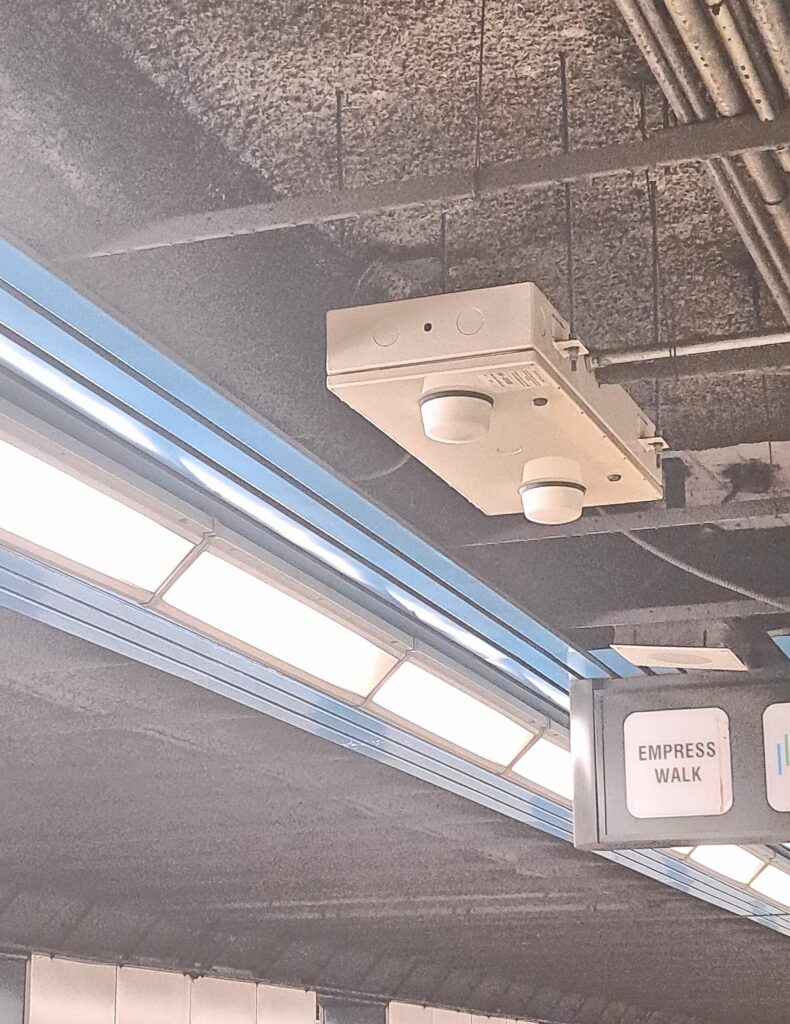
I built a unified guest-and-employee Wi-Fi system on pfSense captive portal and UniFi — authenticating employees against our Microsoft environment for seamless single sign-on under a BYOD policy, without loosening security.
Open Enough for Guests, Locked Down for Work
Guests needed easy access; employees needed secure, single-sign-on access from their own devices; and the network needed to stay protected from both. Serving all three at once — convenience, BYOD, and security — is where most Wi-Fi setups quietly compromise.
What I Delivered

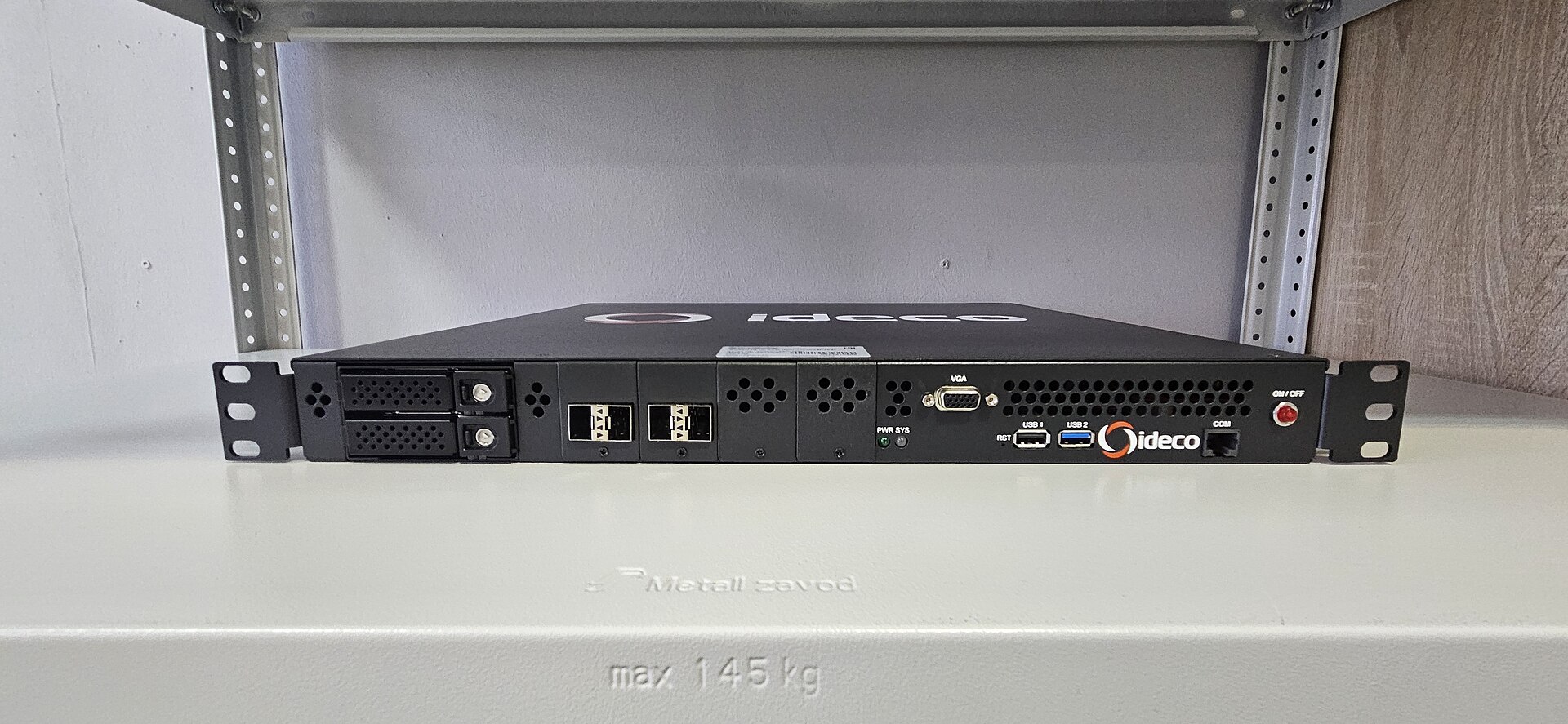
pfSense captive portal
Stood up a pfSense captive portal as the front door for guest and employee access alike.
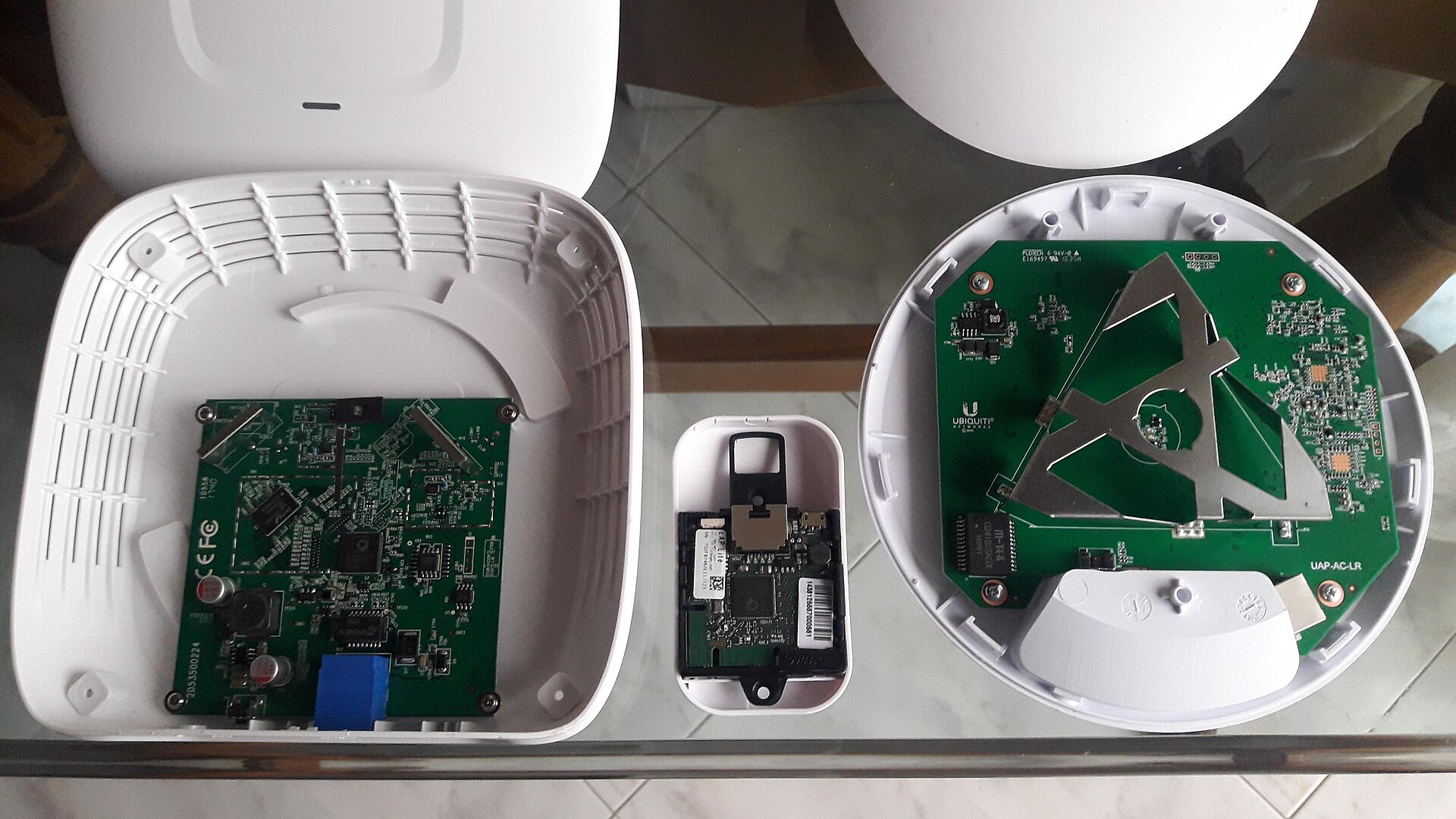
UniFi coverage
Deployed the UniFi system for reliable, managed wireless coverage across the environment.
Microsoft SSO
Authenticated employees against the Microsoft environment for seamless single sign-on.

Secure BYOD
Enabled bring-your-own-device access with identity fingerprinting and secure routing intact.

Skills & Tools
The stack behind this build — tap any to see related work.
The Impact
One Wi-Fi system serving guests and employees alike — seamless single sign-on for staff on their own devices, easy access for visitors, and network security that never had to be traded away for convenience.
Convenience and Security, Not Either/Or
The best network security is the kind users never fight. Pairing a pfSense captive portal with UniFi and Microsoft SSO let guests connect easily and employees sign on seamlessly, while identity fingerprinting and secure routing kept the network genuinely safe.
Image credits: “Wi-fi router in North York Centre station” by Al12si (CC BY-SA 4.0) · “Comparación Acess Point” by Uhernandez (CC BY 3.0) · “Device arrangement” by Jeremy Keith (CC BY 2.0) · “Ideco UTM MX2” by Vivaliva (CC BY-SA 4.0) · “Acer Aspire 4752 Laptop – 05” by CSR2Forever (CC BY-SA 4.0)