

I led the rollout of Multi-Factor Authentication across our Office environment — onboarding 170+ users, running the communication and training that made adoption smooth, and serving as the go-to person for every question along the way.
A Password Is Not Enough
Every account was one leaked password away from compromise, and MFA closes that gap — but only if people actually adopt it. A security rollout that frustrates 170 users fails no matter how sound the technology, so the work was as much communication as configuration.
What I Delivered

170+ users onboarded
Rolled MFA out to more than 170 users across the organization, with a transition planned to feel routine.
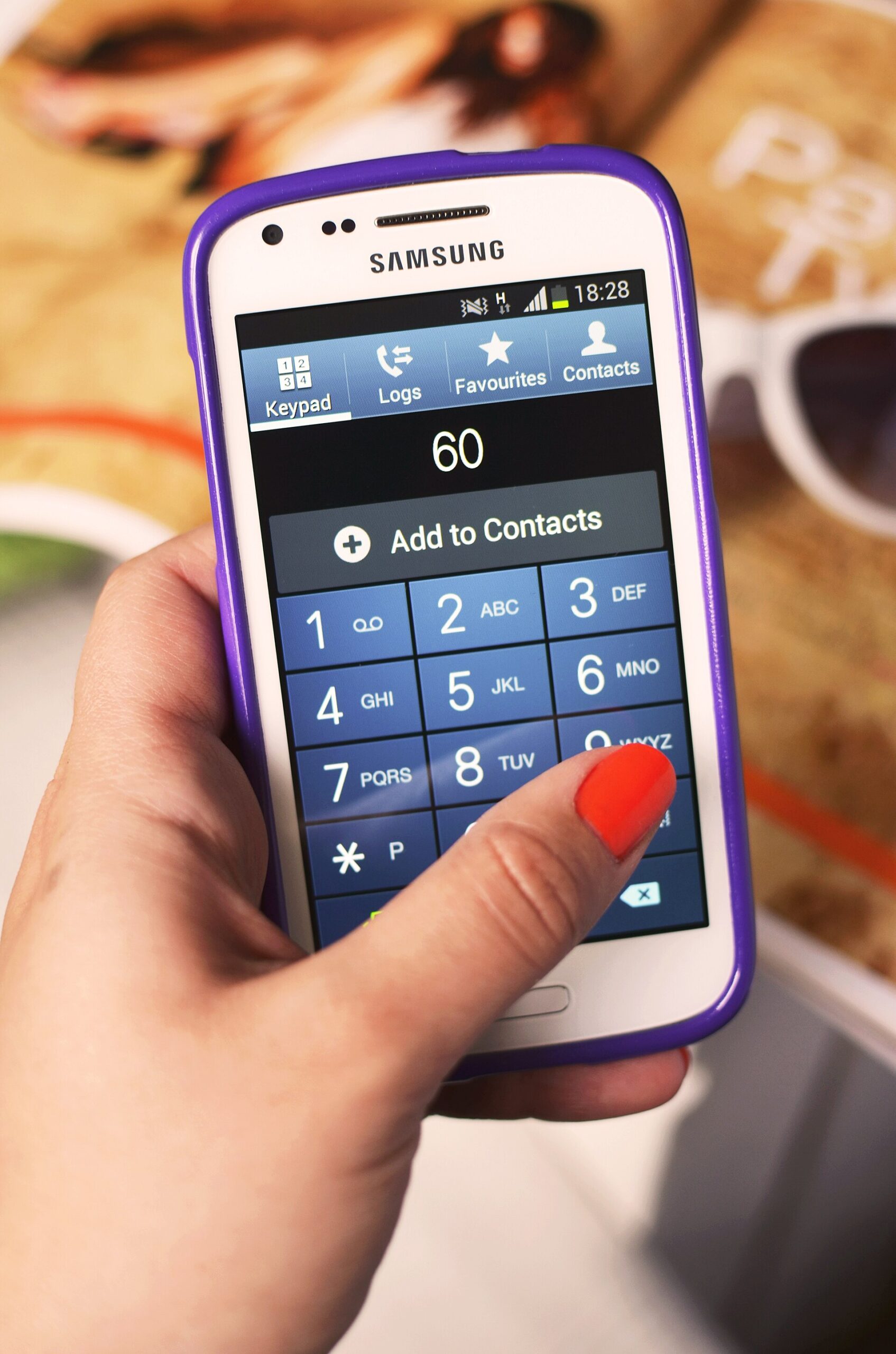
Authentication rollout
Stood up the authentication apps and flows so a second factor became a habit, not a hurdle.
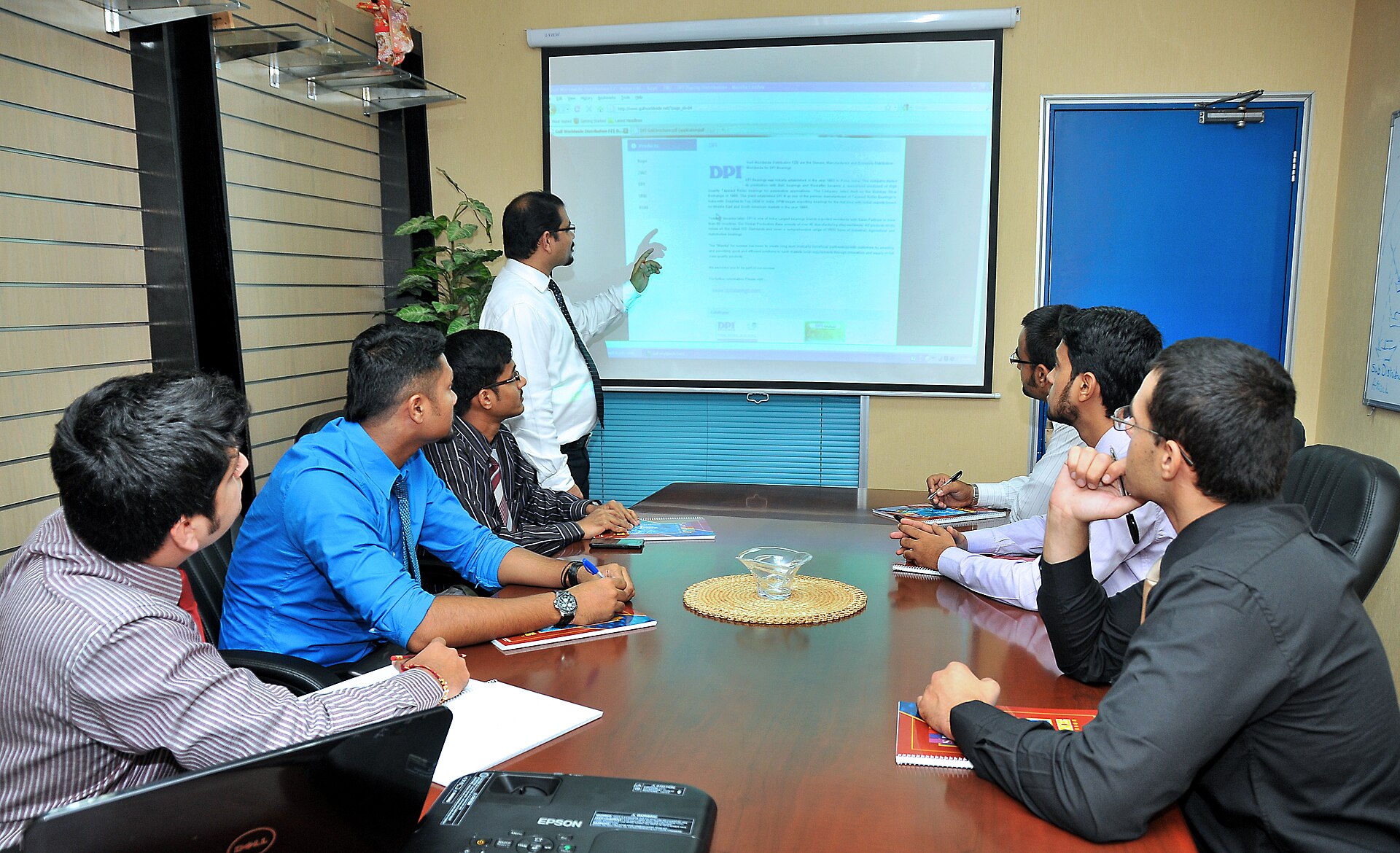
Communication & training
Ran clear before, during, and after guidance so every user knew what was changing and why.

Hardened security posture
Closed the password-only gap — sensitive information protected behind a real second factor.

Skills & Tools
The stack behind this build — tap any to see related work.
The Impact
170+ users authenticating with a second factor, a security posture materially stronger than passwords alone, and a rollout users took in stride instead of fighting.
Security People Actually Use
The strongest control is the one people don’t route around. Pairing MFA with real communication and hands-on support is what turned a security mandate into an adopted habit.
Image credits: “Camera zoom burst on a Microsoft computer keyboard in Tuntorp 8” by W.carter (CC BY-SA 4.0) · “Gulf Worldwide DPI Product Presentation” by MarkJaysonAranda (CC BY-SA 3.0) · “Padlock with chain” by Lacz02 (CC BY-SA 4.0)