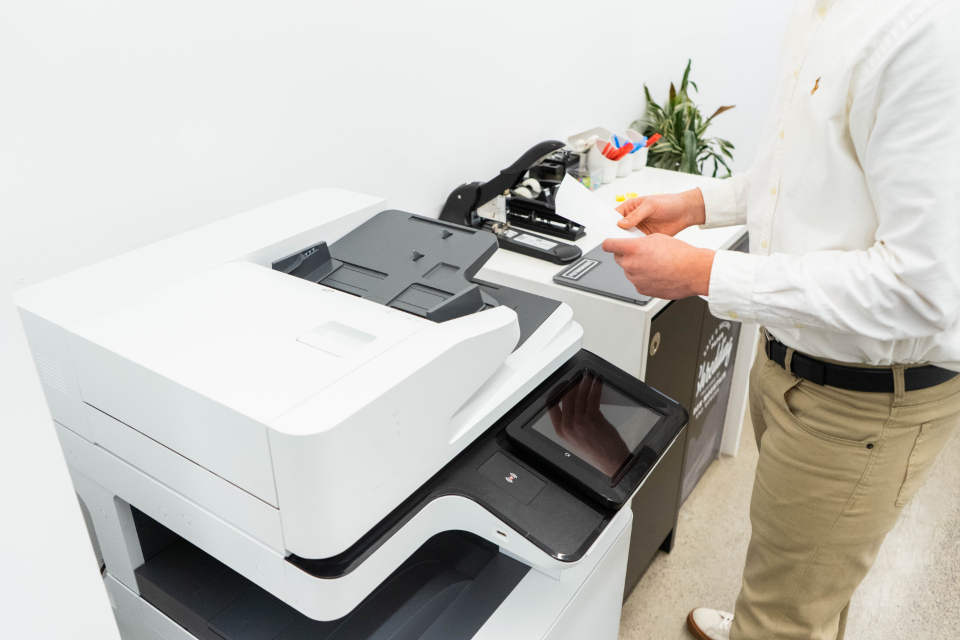
I built a secure, hands-off workflow that moves documents straight from network scanners into SharePoint — a restricted Samba share only authenticated devices can reach, a server-side script that uploads incoming files and deletes the originals, and end-to-end chain-of-custody integrity.
Documents That Fell Through the Cracks
Scanned documents took a manual, error-prone path to where they belonged — with gaps where files could be lost, duplicated, or mishandled. Compliance needed a transfer that removed the human step entirely and preserved chain of custody from scanner to SharePoint.
What I Delivered

Scanner → SharePoint automation
Built an automated pipeline from network scanners to SharePoint libraries.

Restricted Samba share
Locked intake to a Samba share only authenticated devices can reach.

Detect, upload, delete
Server-side script detects incoming files, uploads them, and removes the originals.

Chain-of-custody integrity
Provided a compliant, hands-off process with document chain-of-custody intact.

Skills & Tools
The stack behind this build — tap any to see related work.
The Impact
A compliant, fully automated path from scanner to SharePoint — authenticated-only intake, server-side upload, originals removed — with chain-of-custody integrity and zero manual handling.
Take the Human Out of the Handoff
Every manual step in a document’s journey is a place it can go wrong. Automating scanner-to-SharePoint end to end didn’t just save time — it made compliance the default instead of the hope.
Image credits: “Canon PIXMA TS 3480 Multifunction ink-jet Printer (4)” by Dinkun Chen (CC BY-SA 4.0) · “Padlock with chain” by Lacz02 (CC BY-SA 4.0)